Face Gallery,
Your local AI
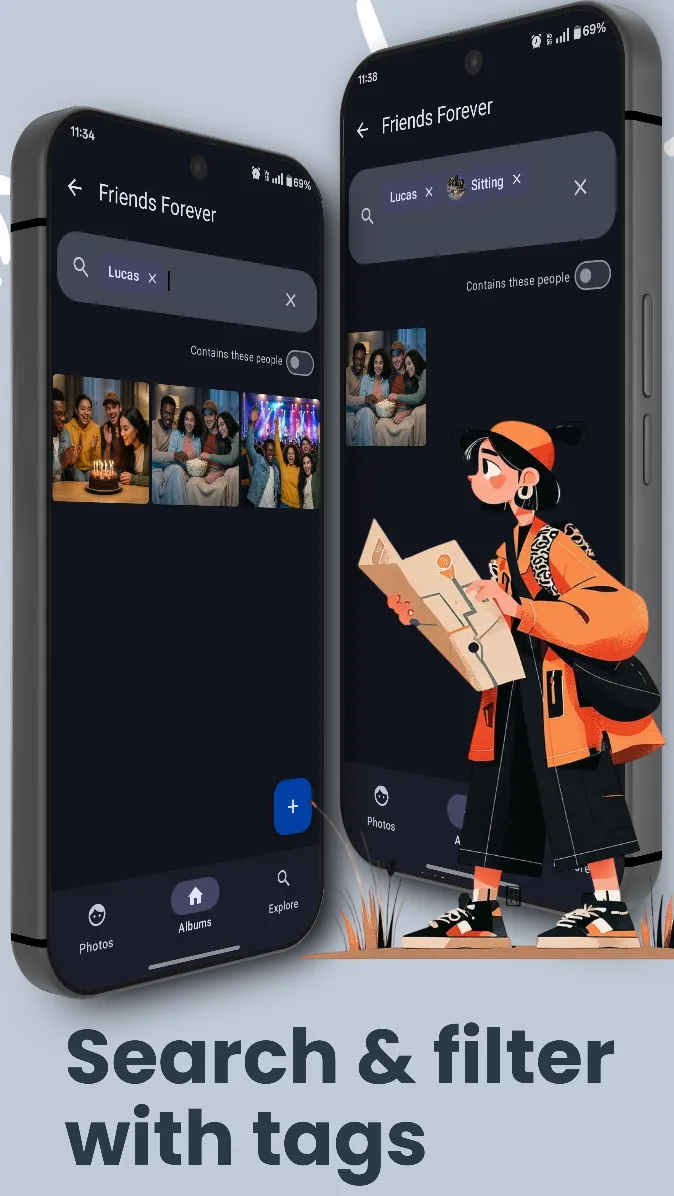
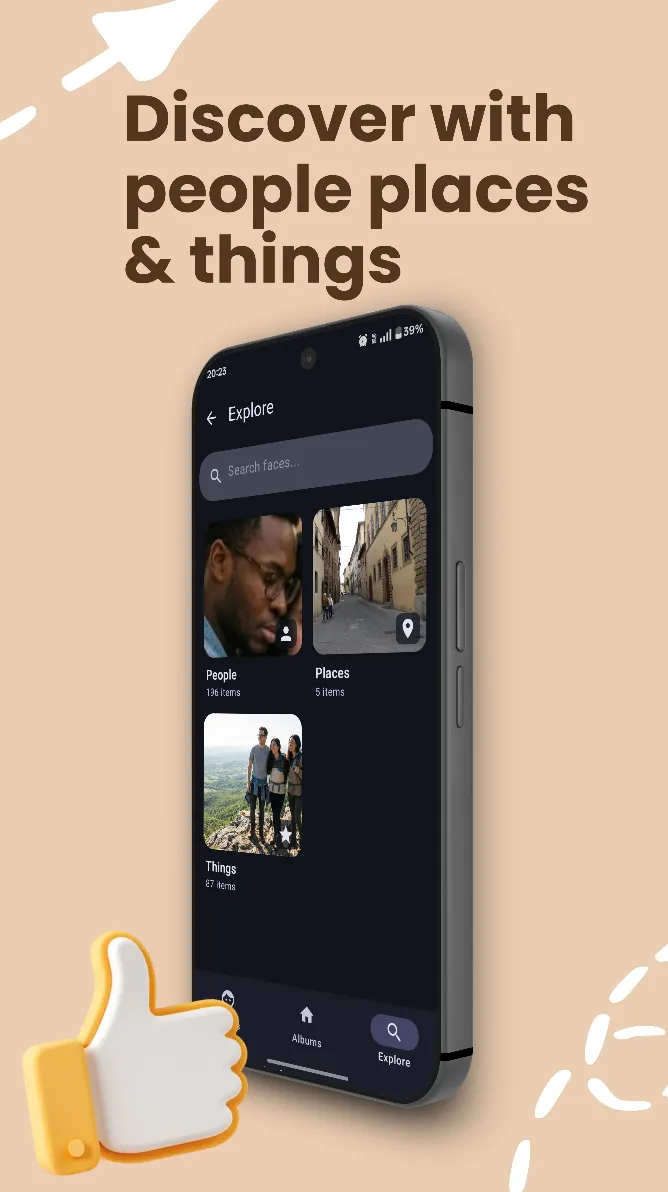
Sort and search photos with people, places, locations & scenes. You can run OCR on entire albums and search them with text within. Everything on device with zero cloud uploads.


Sophisticated Intelligence.
Private by Design.
We use on device tensorflow lite and opencv models to recognize faces, objects, scenes and text within your photos. All processing is done locally on your device, ensuring that your memories remain private and secure.
Smart Search & OCR
Searching for text in photos
Find receipts, notes, and menus instantly using advanced on-device OCR.
Instantly find photos of people, receipts, or notes. Our advanced OCR scans your library in milliseconds, all without ever uploading a byte to the cloud.
Intelligent Grouping
AI Grouping Demo
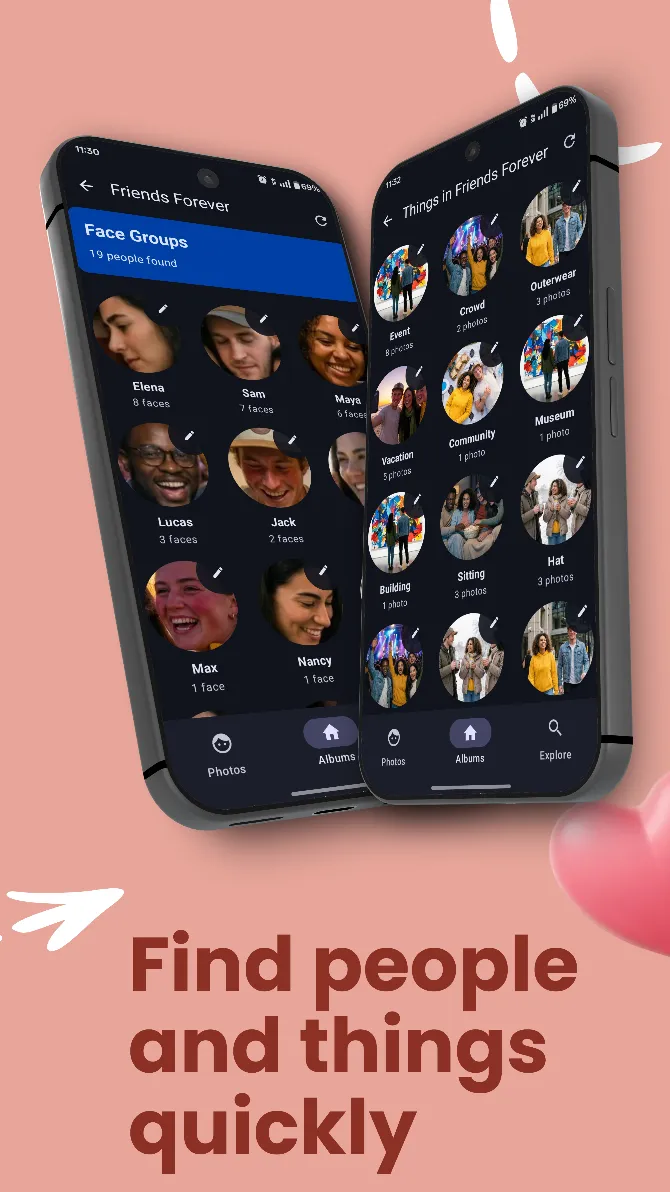
Automatically organize your gallery by faces. Face Gallery learns to recognize your loved ones, creating beautiful, accessible collections of your most precious moments.
100% On-Device. 0% Cloud Uploads.
While other apps scan your memories in the cloud, Face Gallery brings high-performance AI directly to your pocket.
Local Processing
Our AI models run entirely on your smartphone's hardware. Your photos never leave your device.
No Tracking
We don't collect any media or data related to media. Your gallery is your private sanctuary.
Your Data, Your Control
Face Gallery works offline. No accounts, no cloud, no compromise on security.
How Face Gallery Works
From install to a fully searchable library in four steps — and not one of them sends your photos to a server.
- 1
Install and pick your photos
Download Face Gallery from the Play Store and choose the albums you want organized. Permissions are requested only when a feature needs them, not all upfront. JPEG, HEIC, HEIF and DNG photos are supported, along with videos.
- 2
On-device AI scans your library
TensorFlow Lite and OpenCV models running on your phone detect faces, recognize scenes, read text with OCR and pick up locations from photo metadata. Processing runs in the background with a progress indicator, starts with your highest-quality photos, can be cancelled at any time and resumes if it is interrupted.
- 3
Review the people it finds
Faces are grouped into people automatically. Merge duplicate groups into one identity, tap any face to open the original photo, and fine-tune recognition accuracy globally or for a single album when a group needs extra care.
- 4
Search, filter and explore
Find any photo by who is in it, where it was taken, what is in the scene or the words inside it. Combine filters, browse your memories on a map, and keep favorites one tap away.
Everything a Smart Gallery Does.
Without the Cloud.
Cloud photo services analyze your library on their servers. Face Gallery gives you the same smart organization on an Android phone, with the analysis happening on the phone itself.
Face grouping
Every face in your library is detected and grouped by person, so all the photos of a friend, a parent or a child are together in one place. A person can appear in multiple albums, and duplicate groups can be merged.
Text search (OCR)
Face Gallery reads the text inside your photos. Search for a word to find receipts, notes, whiteboards, documents and screenshots — with smarter word matching that copes with real-world photos of text.
Scene detection
Photos are tagged automatically by what they show, so you can find beaches, food, pets or documents without ever adding a tag yourself.
Places and map view
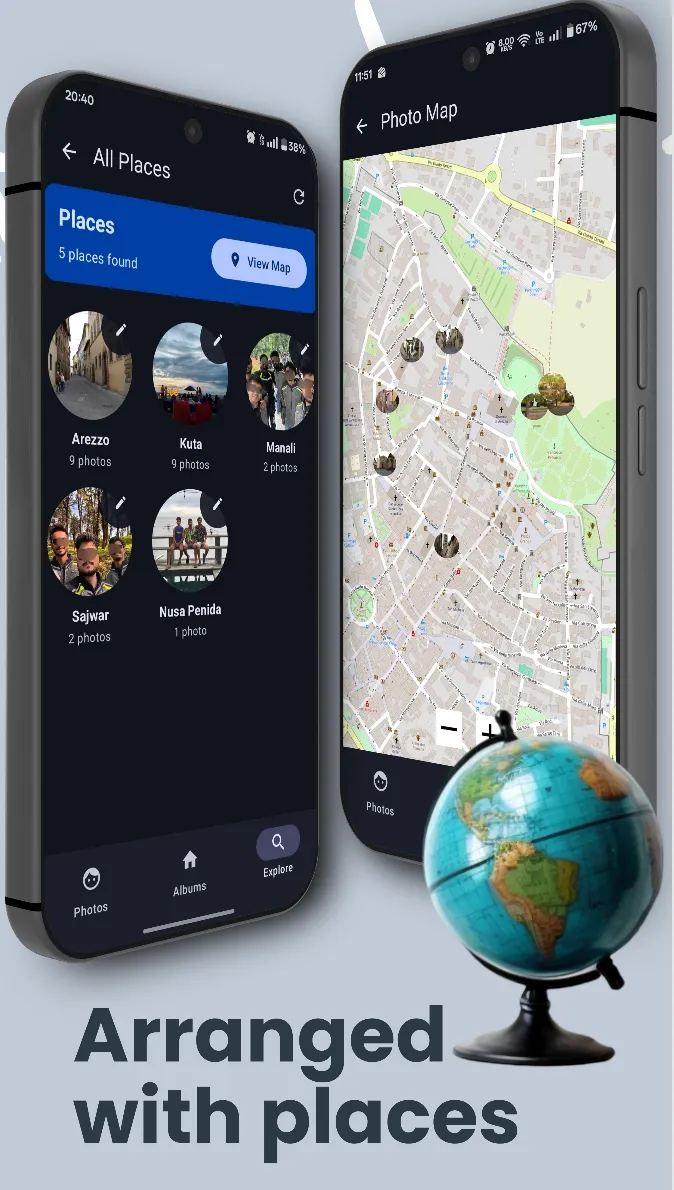
Location data already stored in your photos is used to group them by place. Browse your library on a world map and revisit trips by where they happened.
Advanced filters
Stack filters for people, places, text and scenes to narrow thousands of photos down to the one you are looking for. Built for large libraries of 10,000+ photos.
A complete gallery
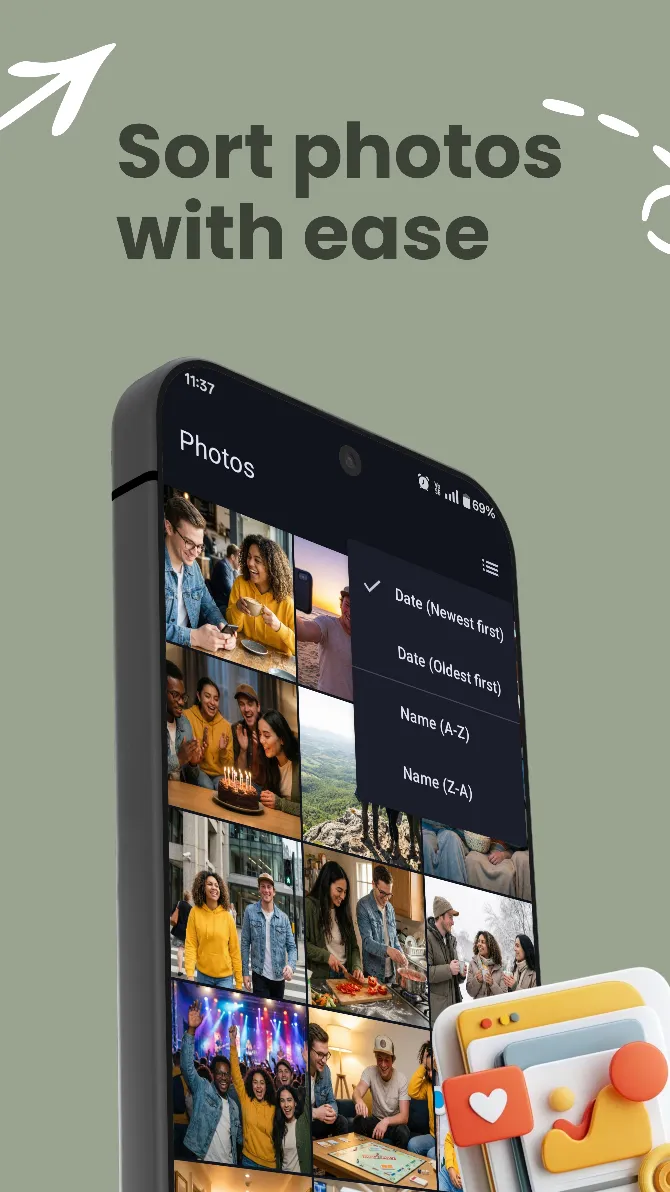
Favorites, sharing, built-in photo editing, full video playback, a recycle bin for recovering deleted photos, an adjustable photo grid and support for multiple languages.
Why Choice Matters.
| Feature | Cloud-Based Gallery | Face Gallery (Offline) |
|---|---|---|
| Internet required | ||
| Data stored at server | ||
| On-Device Face Grouping | ||
| No accounts No Login | ||
| 100% Data Sovereignty | ||
| Zero Cloud Uploads | ||
| On-Device OCR | ||
| Search with people, places, scenes & text |
Common Inquiries
Does Face Gallery store my photos on a server?+
No. Face Gallery is built on a 100% local architecture. Every photo you organize and every face identity established remains strictly on your device. We never upload your media or facial metadata to the cloud.
How does local AI face recognition work?+
We utilize optimized TensorFlow Lite and OpenCV models that run directly on your Android device's hardware. This allows the app to detect and group faces in milliseconds without needing an internet connection or external servers.
Does Face Gallery work without an internet connection?+
Yes. Face grouping, text search, scene detection and location grouping all run on your phone, so they keep working offline. Optional extras such as purchases and referrals use the network, and none of them involve your photos.
Can I search my photos by the text inside them?+
Yes. Face Gallery runs OCR on your library and indexes the words it finds, so you can search for a receipt, a note or a screenshot by typing a word that appears in it. The text index never leaves your device.
Is Face Gallery an offline alternative to Google Photos?+
For organizing and searching, yes: people, places, scenes and text search all work on-device. Face Gallery is not a cloud backup service, though. Your photos stay where they already are on your phone, so keep your own backups.
Is Face Gallery free?+
Face Gallery is free to download and its core features are free. Face Gallery Pro unlocks premium features through an in-app purchase on Google Play, and every price is shown in the app before you buy.
Latest from our Blog
Privacy First: The Top 3 Android Gallery Apps for Local Face Grouping and OCR
In an era where every photo we take seems to be destined for a cloud server, many users are looking for a way to keep their memories private. Here are the top three apps that handle local processing on Android.
Read Full Story